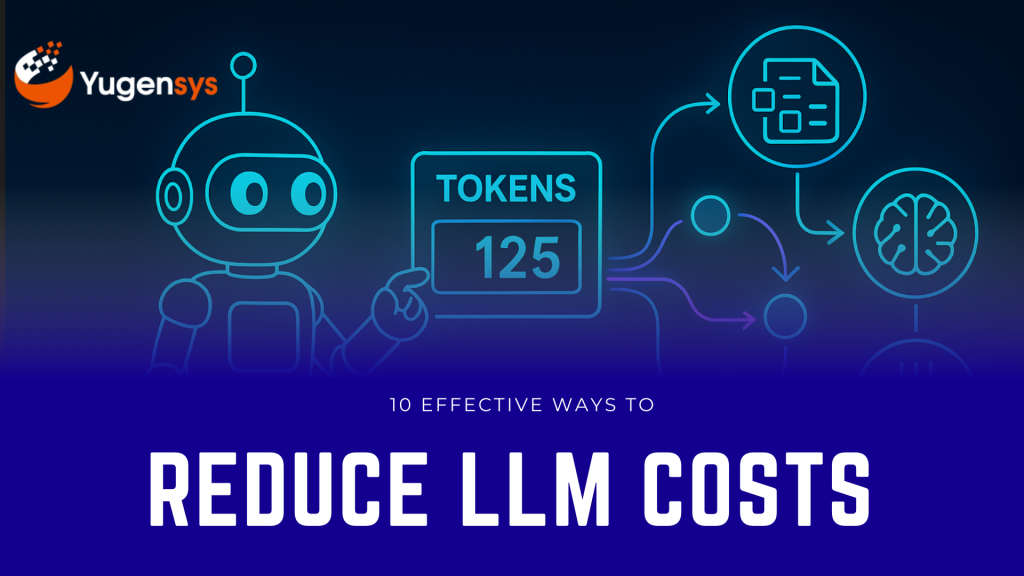







10 Effective Ways to Reduce LLM Costs (ChatGPT, Claude, Gemini, DeepSeek) 

Running LLM applications at scale can become expensive fast — but most teams overspend simply because their prompts, context windows, and workflows are inefficient. In this guide, you’ll learn 10 proven, practical techniques to reduce token usage by 40–80% across ChatGPT, Claude, Gemini, and DeepSeek. From compressed prompts to caching, smaller models, RAG optimization, and function calling, these strategies help you ship faster, cut costs, and improve model reliability without sacrificing output quality.

Table of Contents

Introduction

As AI adoption accelerates, teams quickly realize that token usage = money. Whether you’re using ChatGPT, Claude, Gemini, or DeepSeek, optimizing how you send and receive prompts can easily reduce your costs by 40–80% without losing quality. 

This guide covers 10 practical, battle-tested techniques to cut your token consumption — with multiple examples for every recommendation.

10 Effective ways to reduce LLM Costs (ChatGPT, Claude, Gemini, DeepSeek)

1. Use Short, Compressed Prompt Templates

Most companies waste thousands of tokens in repetitive, overly formal system prompts. 

Bad (token-heavy) 

You are an advanced AI assistant with deep knowledge and extensive reasoning capabilities.  
Provide answers that are accurate, structured, and aligned with best practices… 
 

Good (token-efficient) 

Be concise. Follow instructions strictly. 
 

Examples of Compression 

Example 1 – Task Instruction 
❌ “Please extract entities from the text in a structured way and ensure accuracy.” 
✅ “Extract entities in JSON.” 

Example 2 – Tone Setting 
❌ “Explain politely and in simple terms for better clarity.” 
✅ “Explain simply.” 

Example 3 – Safety Rule 
❌ “Do not hallucinate additional details not present in the text.” 

✅ Replace with function calling or constrained output (no text needed). 

2. Don’t Send the Entire Chat History

Every message you resend increases input tokens. 

Use a rolling summary instead. 

Rolling Summary Example 

Instead of sending this: 

  • 10 previous messages 
  • Large context from the conversation 

Send this: 

Summary so far: user wants help comparing routers. 
 

More Examples: 

Example 1 – Customer Support Bot 
❌ Send whole conversation log (2,000 tokens) 
✅ Keep 1–2 recent messages + 20-token summary 

Example 2 – Coding Assistant 
❌ Resend entire file history 
✅ “Recent change summary: user asked to fix import error.” 

Example 3 – RAG Chatbot 
❌ Add every past retrieved chunk 
✅ “Conversation topic: GST registration process.” 

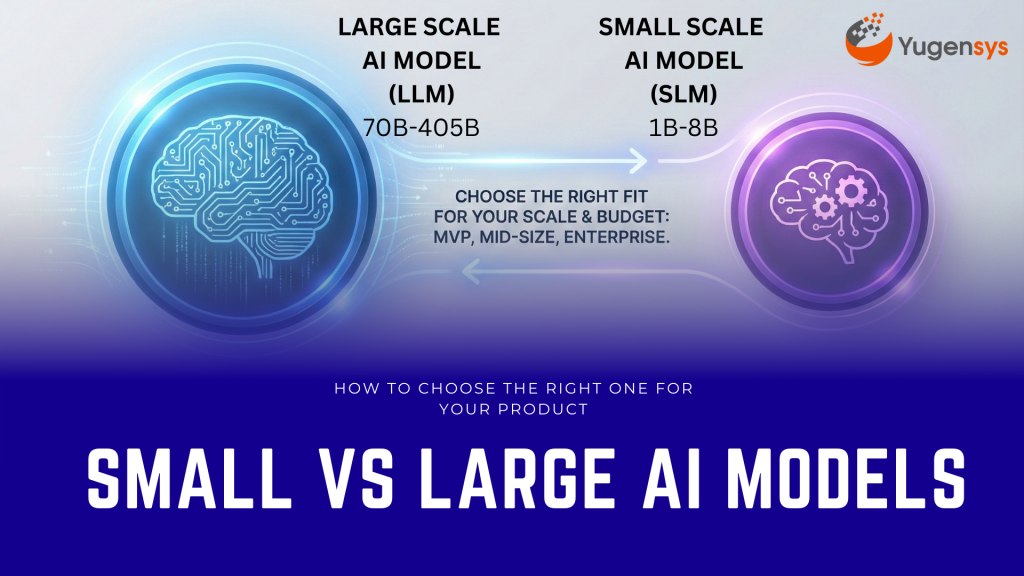
3. Use Smaller Models for Non-Critical Tasks

Not every request requires the highest-end model. 

Use small models for: 

  • text extraction 
  • translation 
  • classification 
  • formatting 
  • summarization 
  • splitting text 


Examples: 

Example 1 
Use Claude Haiku instead of Claude Sonnet to extract headings from PDFs. 

Example 2 
Use GPT-4.1-mini instead of GPT-4.1 for cleaning JSON. 

Example 3 
Use Gemini Flash Lite instead of Gemini Pro for keyword extraction. 


Your large model should only be used for: 

  • deep reasoning 
  • content synthesis 
  • decision logic 
  • code analysis 

Our Services

Book a Meeting with the Experts at Yugensys


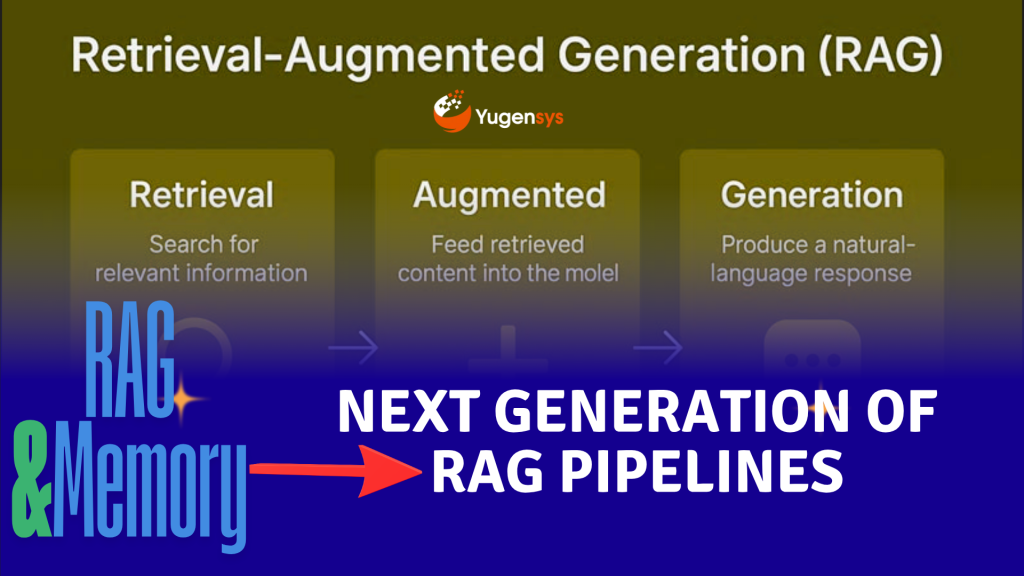
4. Reduce Context Size in RAG

RAG is powerful — but expensive if you send large context chunks. 

Best Practice: 

  • Chunk size: 300–500 tokens 
  • Max retrieved chunks: 3–5 
  • Summarize retrieved content before sending to LLM 


Examples: 

Example 1 – Document Search 
❌ Send 8 long chunks × 700 tokens 
➡️ 5,600-token input 
✅ Send top 3 chunks after summarization 
➡️ Reduced to 400–600 tokens 

Example 2 – FAQ App 
❌ Entire policy document 
✅ A 150-token summary of relevant section 

Example 3 – Legal RAG System 
❌ Full judgment (3,000 tokens) 
✅ 200-token compressed “facts + issues + verdict” summary 


5. Use Token-Efficient Output Formats

Constrain the output. 

Best Practice Format: 

{“answer”: “…”} 
 

Examples: 

Example 1 – Classification 
❌ “Based on the content, the email seems spammy…” 
✅ {“is_spam”: true} 

Example 2 – Sentiment Analysis 
❌ “The overall tone of the sentence is positive because…” 
✅ {“sentiment”: “positive”} 

Example 3 – Task Routing 
❌ “I believe this belongs to billing team.” 
✅ {“team”: “billing”} 

6. Use Function Calling Instead of Open Text Responses

When you define functions, models generate minimal tokens. 

Examples: 

Example 1 – Product Data Extraction 
Function: 

returnProduct({title, price, specs}) 
 

Output is short, enforced JSON. 

Example 2 – Support Ticket Routing 
Function: 

assignTicket({type, priority}) 
 

Example 3 – Process Automation 
Function: 

summarize({short_summary}) 
 

→ No rambling output. 

7. Compress Inputs Before Sending to LLMs

Before sending data to a model, compress: 

  • long paragraphs 
  • logs 
  • transcripts 
  • meeting notes 


Examples: 

Example 1 – Call Center Logs 
❌ 500 tokens of chat logs 
✅ 60-token summary using a mini model 

Example 2 – PDF Parsing 
❌ Entire extracted page 
✅ “Extracted bullet points only” 

Example 3 – Error Logs 
❌ 1,000 lines of logs 
✅ “Last 20 lines + error signature + context summary” 

8. Cache LLM Responses

Most apps repeat the same queries. 

What to cache: 

  • instructions 
  • system prompts 
  • repeated RAG chunk summaries 
  • embedding → answer pairs 
  • data extraction outputs 


Examples: 

Example 1 – RAG System 
If the same chunk appears repeatedly in queries → cache its summary. 

Example 2 – Chatbot FAQ 
Store answers for common questions: 
“What is the refund policy?” 

Example 3 – Multi-step Chain 
If Step 1 is deterministic (e.g., extract names) → don’t repeat the call every time. 

9. Shorten Variable Names & Rules

Small detail. Big savings. 

Examples: 

Example 1 – System Prompt 
❌ “You must strictly follow these 6 guidelines…” 
➡️ 120 tokens 
✅ “Follow rules below.” 

Example 2 – Variable Names 
❌ “customer_transaction_history” 
✅ “txn_history” 

Example 3 – Instruction Set 
❌ Long bullet lists 
✅ Replace with a function schema containing just fields 

10. Limit Output Tokens

Set this every time: 

  • max_output_tokens: 100 (chat) 
  • max_output_tokens: 20 (classification) 
  • max_output_tokens: 200 (summary) 

Examples: 

Example 1 – Summary 
❌ If max tokens not set → model may write 600 tokens 
✅ Set limit: 200 tokens 

Example 2 – Extraction 
❌ Without limit → long natural language output 
✅ Limit 30 tokens → only JSON appears 

Example 3 – Routing 
❌ Model explains its reasoning 
✅ Limit 10 tokens → “billing” only 

Provider-Specific Tips

ChatGPT 

  • Use GPT-4.1-mini or GPT-5-mini for small tasks 
  • Use functions + response_format constraints 
  • Avoid long system prompts 

Claude 

  • Claude tends to over-reason → enforce short outputs 
  • Use Haiku for parsing/cleaning 
  • Use the JSON tool for structured responses 

Gemini 

  • Set max_output_tokens always 
  • Gemini tends to be verbose 
  • Use Flash/Flash-Lite for preprocessing tasks 

DeepSeek 

  • Disable reasoning dump: 

“enable_thought”: false 

  • Use Distill models for non-critical tasks 
  • Keep prompts extremely short 

Conclusion

Optimizing token usage isn’t just about cost — it forces you to build cleaner, more efficient AI interactions. By applying these 10 techniques, you can cut LLM expenses dramatically while improving response consistency and control. 

Vaishakhi Panchmatia

As the Tech Co-Founder at Yugensys, I’m driven by a deep belief that technology is most powerful when it creates real, measurable impact.
At Yugensys, I lead our efforts in engineering intelligence into every layer of software development — from concept to code, and from data to decision.
With a focus on AI-driven innovation, product engineering, and digital transformation, my work revolves around helping global enterprises and startups accelerate growth through technology that truly performs.
Over the years, I’ve had the privilege of building and scaling teams that don’t just develop products — they craft solutions with purpose, precision, and performance.Our mission is simple yet bold: to turn ideas into intelligent systems that shape the future.
If you’re looking to extend your engineering capabilities or explore how AI and modern software architecture can amplify your business outcomes, let’s connect.At Yugensys, we build technology that doesn’t just adapt to change — it drives it.
Subscrible For Weekly Industry Updates and Yugensys Expert written Blogs


More blogs from Artificial Intelligence

Delve into the transformative world of Artificial Intelligence, where machines are designed to think, learn, and make decisions like humans. This category covers topics ranging from intelligent agents and natural language processing to computer vision and generative AI. Learn about real-world applications, cutting-edge research, and tools driving innovation in industries such as healthcare, finance, and automation.


Expert Written Blogs

Common Words in Client’s testimonial